トップ > How to watch DVD player / Netflix
How to watch DVD player / Netflix
How to use DVD / Blu-ray Disc
Available on Netflix

- 1Turn on TV switch
- 2Turn on DVD player
- 3Please press "select button" on TV remote controller and set HDMI 1 mode.
- 4You can use Control panel for "play", "stop" etc.
Netflix
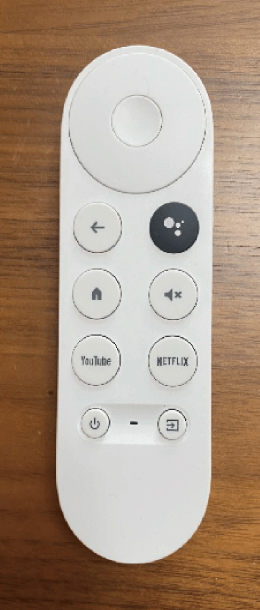
It is operated with a white remote control.